Step Sequencer
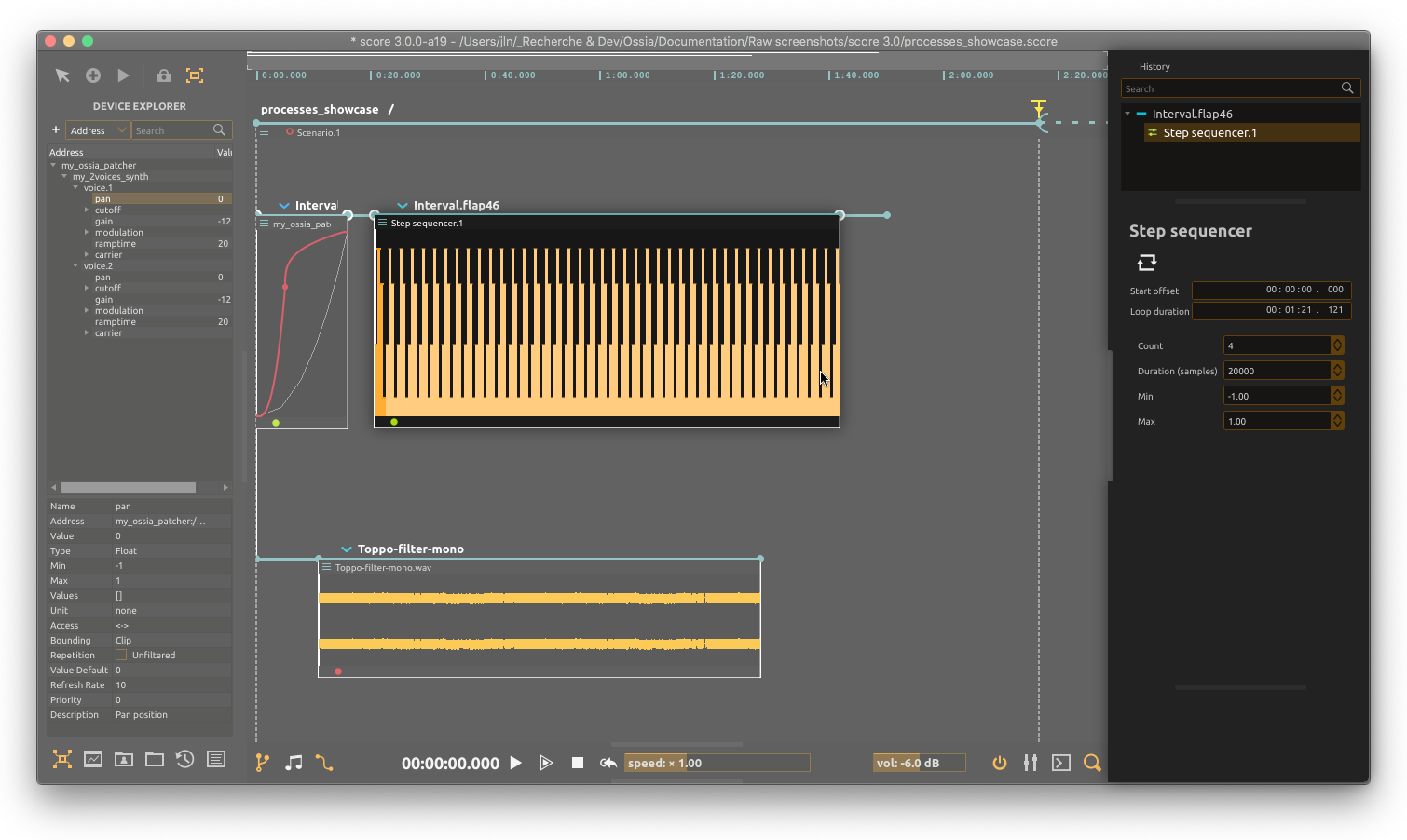
Step Sequencer sends a repeating series of values through Step Out. Connect it to a parameter inlet or assign its outlet to a device parameter; it does not produce MIDI notes or audio by itself.
Editing sequences
Drag the bars to set step values. In the inspector, Count sets the number of steps in the selected sequence, while Min and Max set the output range. The pattern repeats while its containing interval executes.
The process stores several sequences. Sequence is a zero-based selector: selecting a new index in the editor creates additional sequences, initially filled with midpoint values. Each sequence retains its own step count. Prepare these sequences before automating their selection; runtime selection is limited to the sequences already present.
Duration and switching
| Inlet | Purpose |
|---|---|
| Sequence | Select the sequence to play; can be automated or cabled |
| Quantization | When a requested sequence change takes effect |
| Duration | Length of one step, in seconds or a tempo-synchronized note value |
Quantization offers Free, 8/4/2/1 bars and 1/2 through 1/32 note divisions. Free switches on the next processing tick; the other choices wait for the next matching musical grid point. A switch restarts the step index in the new sequence. Quantization controls the switch, not the step length: use Duration for that.
For example, prepare two sequences, set Duration to 1/16 and Quantization to 1 bar, then automate Sequence between 0 and 1. The selector displays the requested sequence while playback may still be waiting for its quantized switch. The playing step is highlighted. Reverse timeline execution walks the steps backwards.
For note patterns rather than parameter values, use Patternist.