MIDI utilities
Arpeggiator
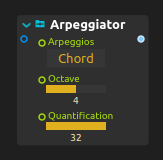
The classic arpeggiator effect. Play a chord on your keyboard and let the process create new notes from it.
The currently implemented modes are:
- Forward: plays the notes in order (1-2-3-1-2-3)
- Backwards: plays the notes in reverse order (3-2-1-3-2-1)
- F->B: first forward then backwards (1-2-3-3-2-1)
- B->F: first backwards then forward (3-2-1-1-2-3)
- Chord: repeats the chord currently being held
See Arpeggiator for its current timing and pattern controls.
Chord
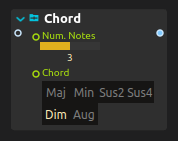
This process transforms an input note into a chord.
For instance, if “Major” is selected: C3 -> C3 E3 G3
MIDI scale
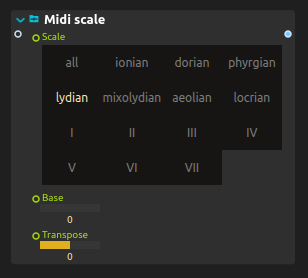
This process allows to transpose and make the input MIDI fit into predetermined scales, to prevent wrong notes for instance.
Quantifier
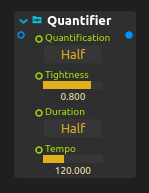
This process quantifies input MIDI onto the musical grid.
See Midi Quantify for the distinction between onset and release quantization.
MIDI pitch

This process allows to extract the pitch of a MIDI note as a simple value.
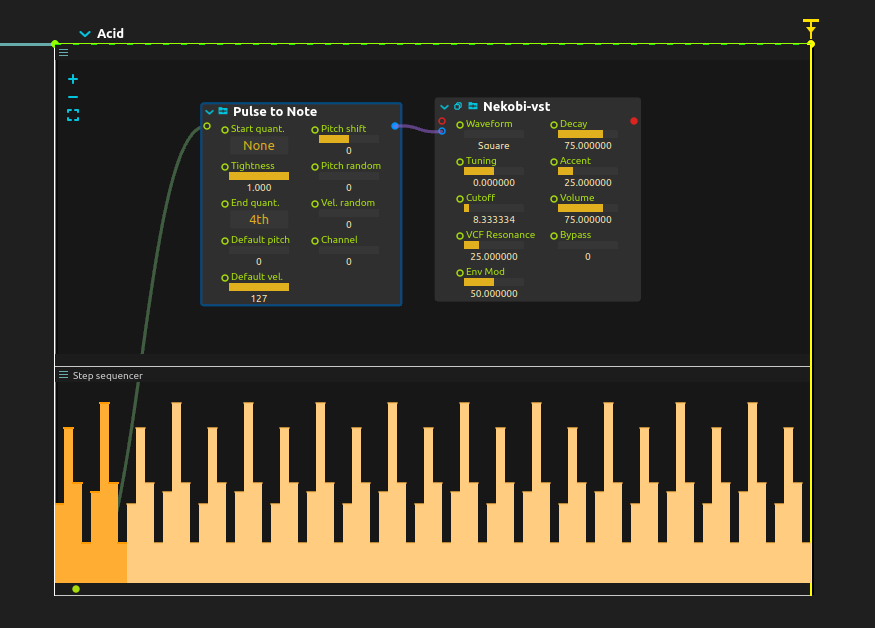
Pulse to note
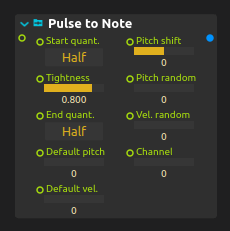
This process allows to convert input signals into MIDI.
- If the input is of type impulse, then the default velocity and default pitch are used.
- If the input is of type int, then it is used as pitch and the velocity is set with the default velocity.
- If the input is of type vec2, then the first element is the pitch, the second is the velocity.
MIDI Envelope
MIDI Envelope turns note-on/off events into control envelopes. Choose staged or drawn shapes, mono/poly voicing and a voice-combination mode, then connect Out to the parameter to animate.
MIDI Humanize
MIDI Humanize varies note timing, velocity, length and pitch. Chord grouping preserves chord timing, while a nonzero Seed makes a repeatable take. Early timing adds real latency.
Entity To MIDI
Entity To MIDI maps tracked positions and identities to sustained or triggered notes, including MPE expression. Feed it Point Tracker records when detections are not already in a stable order.
Example: using the step sequencer to drive MIDI inputs