MIDI notes, controls and timeline triggers
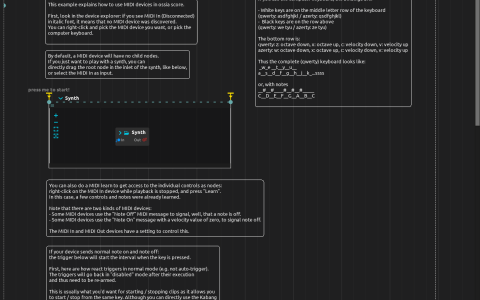
Open the ZIP directly in score; it includes the Audio/ samples. The example combines direct MIDI synthesis, note-driven timeline triggers, a controller-dependent branch and a separate expression-generated sound.
Select an input
With playback stopped, edit MIDI In and choose a connected controller or the computer-keyboard MIDI input. Use Learn to expose controls that are not already in the tree. The saved device has velocity-zero-as-note-off disabled; enable it if your controller uses note-on velocity zero instead of note-off messages.
Start playback, then use press me to start! to activate Synthimi. Its MIDI inlet reads MIDI In:/, and its audio feeds the parent mix at audio:/out/main. For the computer keyboard, the middle letter row plays white keys and the row above plays black keys; the lower-row octave controls let you reach the trigger notes.
Trigger and branch
- Send channel 1 note 38. Compare its normal trigger with the auto-retriggering version; the latter rearms for repeated activation.
- Send channel 1 note 40, then release it. The paired examples use
MIDI In:/1/on/40to start and/1/off/40to stop their intervals. - Send channel 1 note 36 to start the conditional sequence. At the next event, CC1 below 64 selects
Audio/002_2.wav; CC1 at least 64 selectsAudio/000_inddistb1.wav. The wheel is sampled when the condition is reached, not when the note was first pressed. - At a low volume, trigger
Harsh synth (start with volume low). Its Expression Audio Generator feeds Airwindows Doublelay and ClearCoat. CC1 and pitch bend drive generator parameters and delay controls, while CC2 controls the delay’s Dry/Wet. A Micromap computes1-x/127from CC1 for the final ClearCoat mix.
The expression branch runs without MIDI notes once triggered, unlike Synthimi. Stop its interval explicitly with its end trigger. Synthimi and Airwindows support are required; the two sound-file branches also need the archive’s samples.