Filtering imported scene nodes
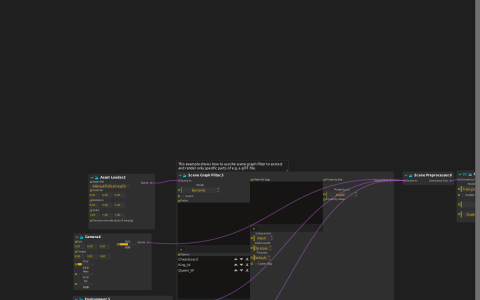
Asset Loader reads a chess scene and passes it to Scene Graph Filter before Scene Preprocessor. The saved Names selection contains Chessboard, King_W and Queen_W. Camera, Light and Environment join the filtered scene; the PBR Render Pipeline displays it at Window:/.
Try it
Open the ZIP directly in score; Models/ABeautifulGame.glb is bundled. Start playback, then edit the filter’s Names selection to compare individual pieces with the board. Filter the scene before preprocessing, as in the example: this operates on the scene hierarchy rather than selecting already-flattened render buffers.
The model is bundled and the rendering shader is embedded. Names depend on the imported asset; a replacement model will need a different selection. This is the native Scene Graph Filter, not Qt Quick 3D RuntimeLoader.