Files, strings and serialization
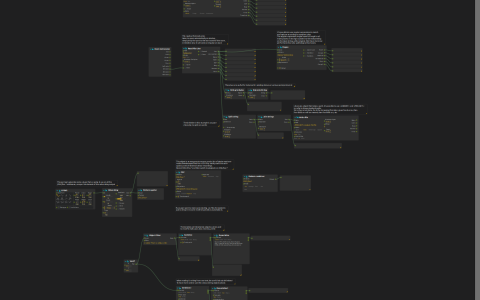
Read a text at a musical pace, reshape its words, and capture changing device values for later replay. Displays show what each transformation produces.
Read and transform text
Open the ZIP directly in score and use a writable project directory. Start playback, then try the two ways of bringing text into a patch:
- Press Read File’s Read control to load a complete sample. Inspect the data and status outputs together so you can distinguish content from a failed read.
- Press Read File Line’s Open control to open the fables. The metronome advances through the text one line at a time; Rewind returns to the beginning.
The line-by-line path turns stored text into a timed sequence. Each line is shown next to its split-and-joined version; change the join separator to recombine the words differently. The regular-expression branch selects fable headings and captures their Roman numerals; change the pattern to select another feature, using RE2 syntax.
Write File saves transformed lines in the project directory using a timestamped filename. Its Write mode replaces the current target’s contents instead of appending a continuous transcript. Choose a new destination if you want to preserve an earlier result.
Exchange structured values
A pair of changing values can be kept as structured data or encoded as text for another system. Change Vec2f: the reconstructed result should match the value before serialization. The JSON branch builds an object, while the plain-text branch separates components with , ; the serializer and parser must agree on that delimiter.
The object-building branch requires the Jk Object filter add-on. A separate string-to-bytes round trip shows the same text as bytes, the form a byte-oriented connection expects.
Record and replay control values
The device branch records generated control values, then replays them at different addresses, so what a recording controls can be chosen later.
The downloadable archive has no recording for the saved CSV Playback mode. To make one, choose Record, set the pattern to OSC:/foo.*, and select a new writable file. Then switch to Playback with OSC:/bar.* and inspect the replayed values. Keep any earlier recording you want to retain in a different file.
The text experiments work independently of this recording. To observe device values in another application, the OSC device listens on UDP 9997 and sends to 127.0.0.1:9996.